Before the dates
Things that still surprise today
Before we get to the origins and the timeline — a few discoveries from a live, running copy of µOS that explain why this project is worth documenting at all.
1. The interface got Polish grammar right
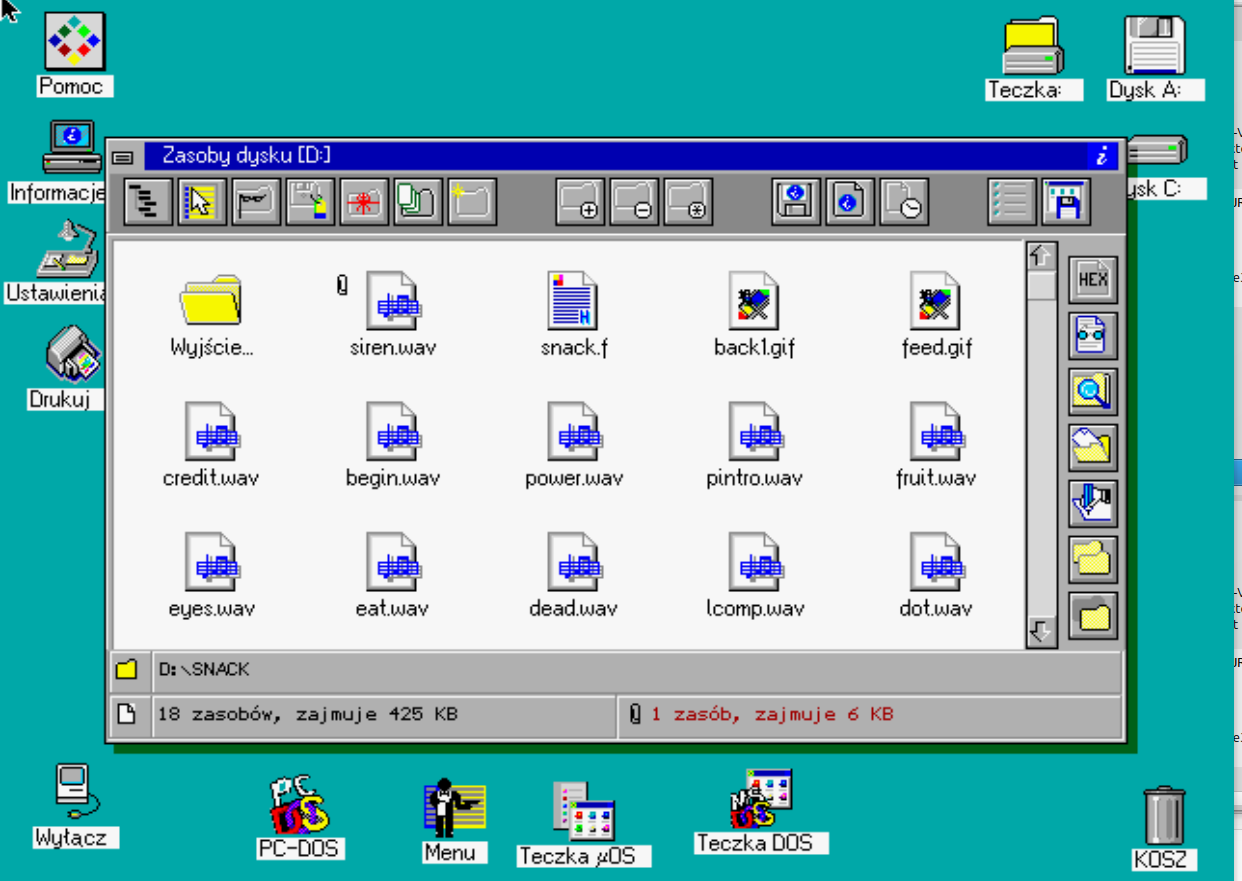
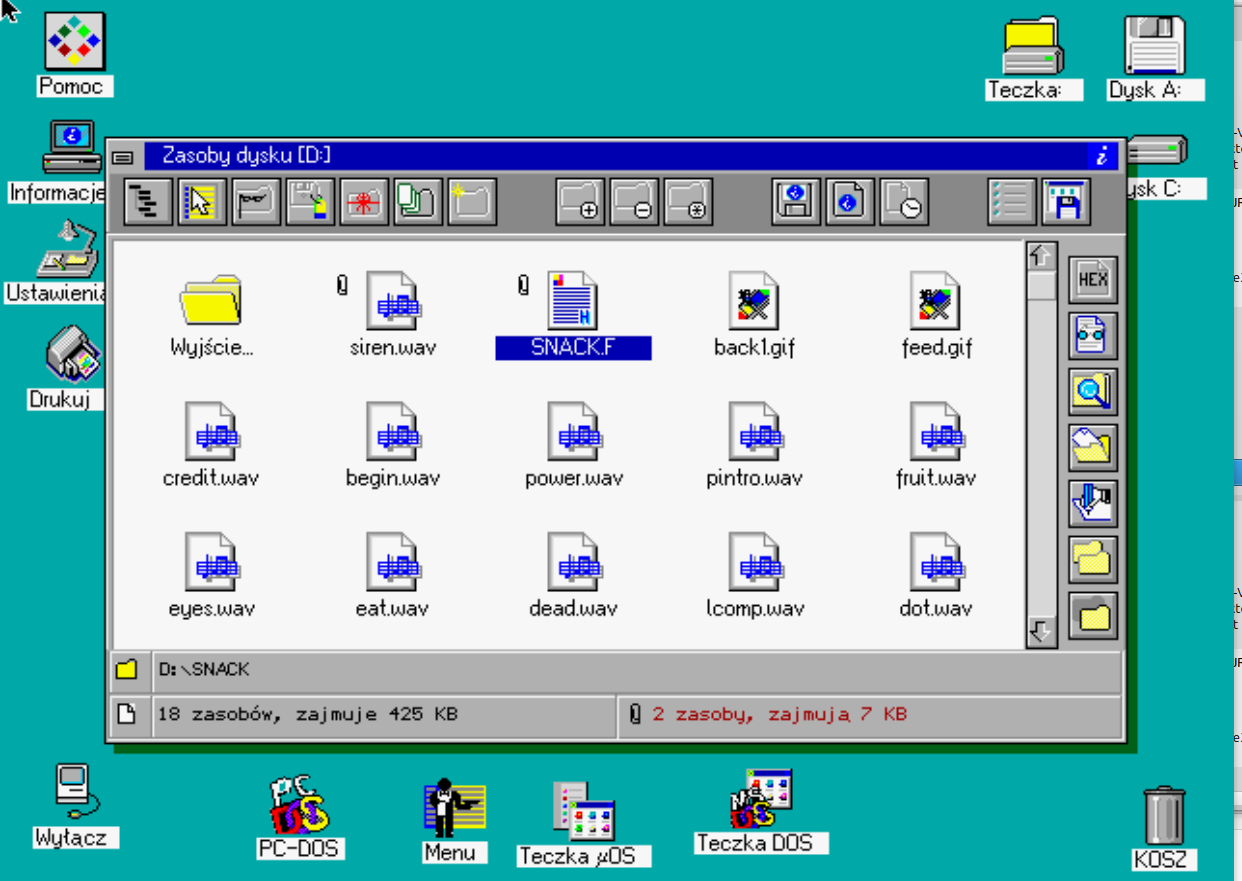
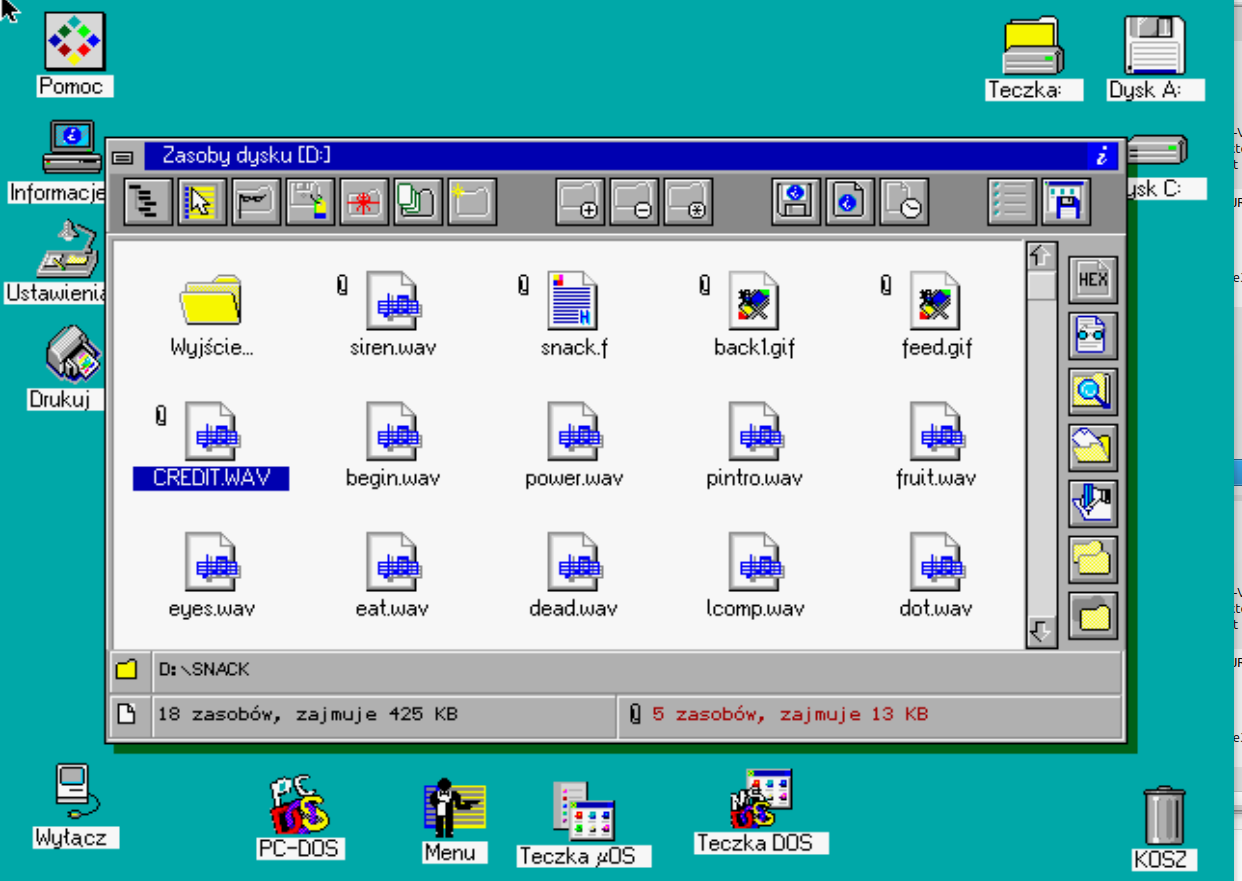
Polish nouns change form depending on quantity — one pattern for a single item, another for 2–4, another again for 5 and up (unlike English, which mostly just adds an "s"). The file manager's status bar didn't fall back on one rigid template — it used the grammatically correct form every time, based on how many files were selected.
Read more — why it mattered
The early 1990s were a difficult period for Polish IT — the first school computer labs were only just being set up, and the software children encountered was usually in English or, at best, superficially "Polonized": static labels with no regard for grammar.
µOS was built as a tool meant to accompany children at their very first contact with a computer — and grammatically correct Polish in system messages meant a child read a sentence the way a teacher would have written it, not one run through a machine translator. The title of the contemporary review in Enter magazine, "Poles are no geese..." (a reference to a 16th-century Polish literary boast about the richness of the Polish language), turns out to be an accurate diagnosis rather than a polite compliment.
2. File selections survived a power-off
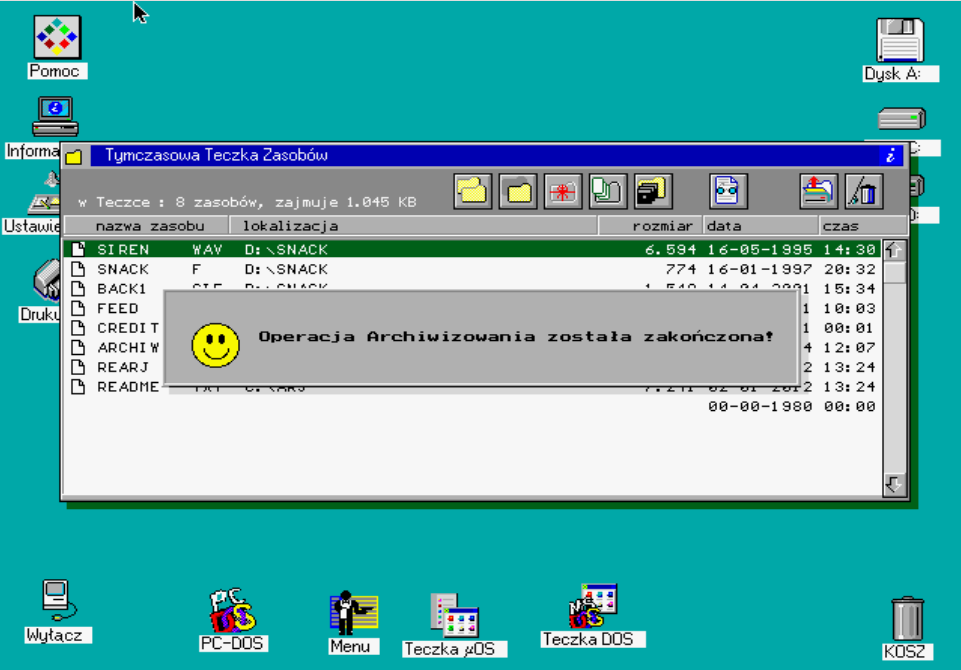
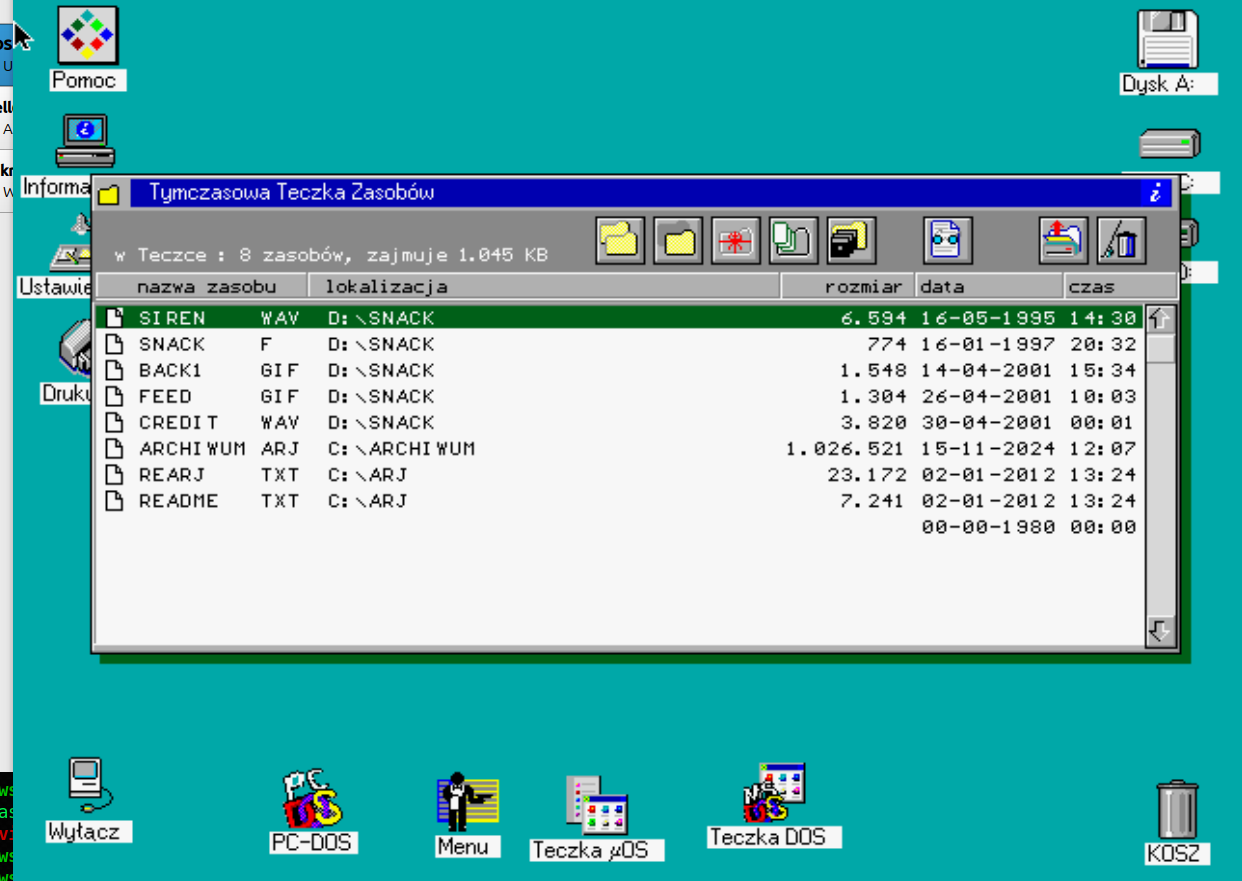
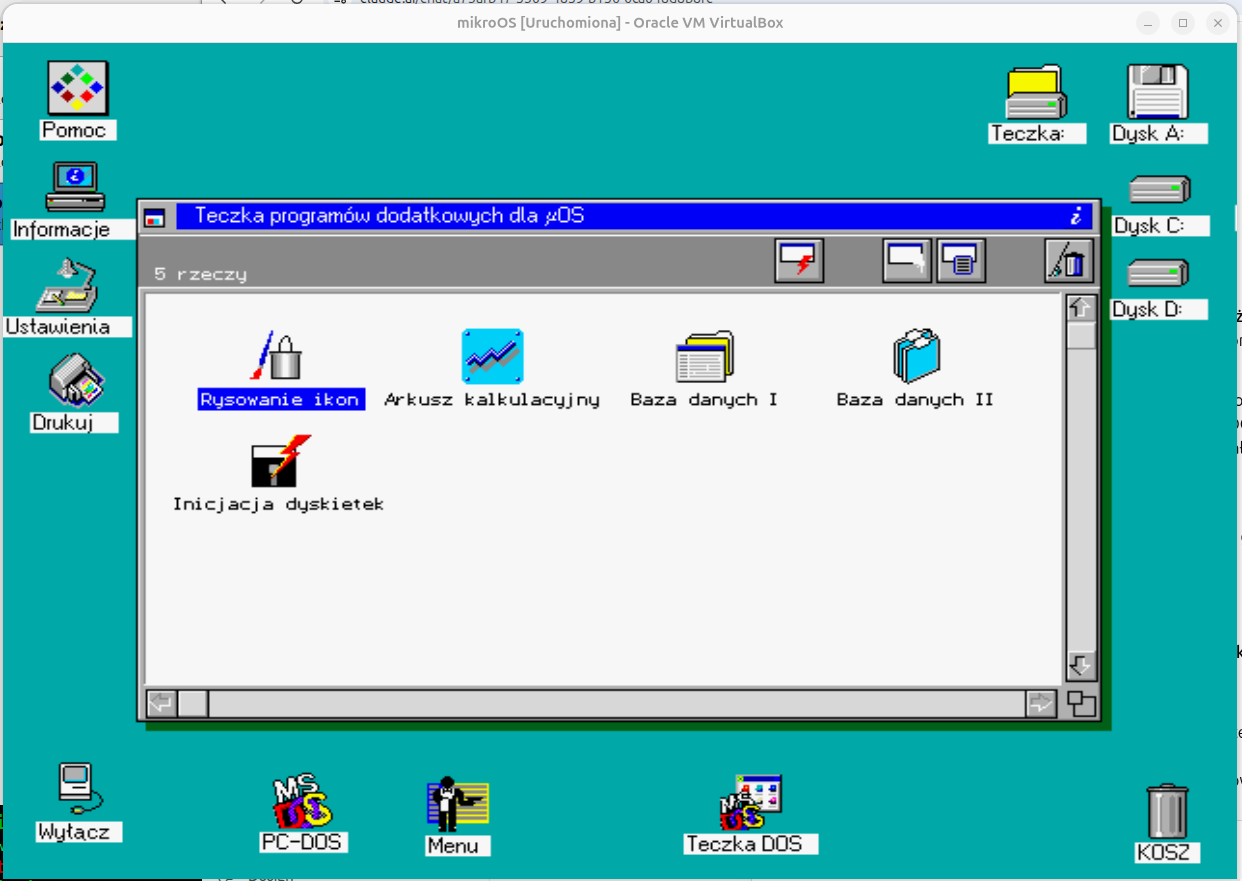
The "Temporary Resource Folder" let you select files from different directories and drives at once — and that selection state survived a full computer restart, because it was written to disk rather than kept only in memory.
Read more — how this compares to the era
In the dominant tools of the time — Norton Commander, Windows 3.x File Manager — file selections lived purely in RAM and vanished without a trace once you closed the program, let alone switched off the computer.
The closest conceptual equivalent was the "Shelf" feature in NeXTSTEP (1989) — but that ran on expensive university-grade workstations, a world away from Polish DOS on a 386/486. Persistent resource selection in µOS was a deliberate design choice, unusual for educational software from 1992.
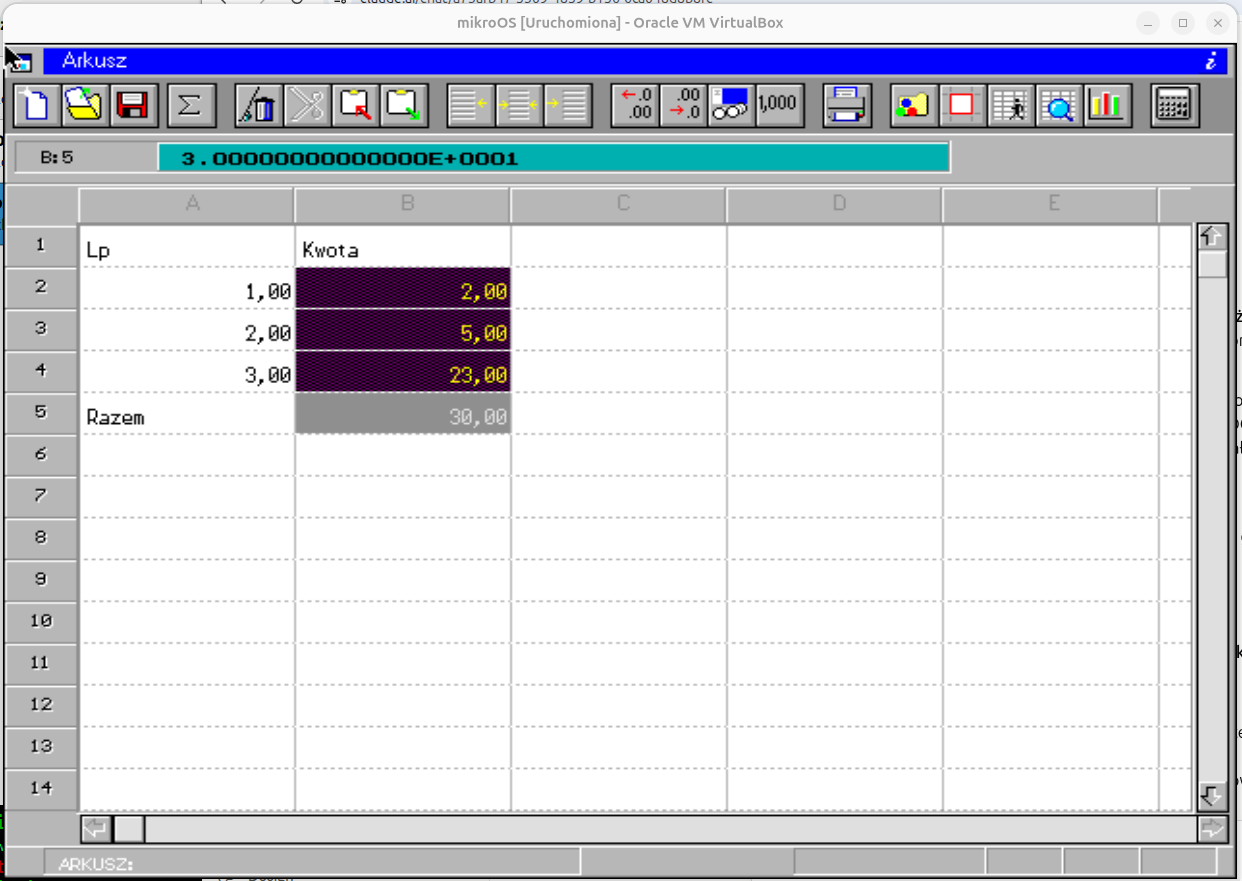
3. The spreadsheet summed non-adjacent cells
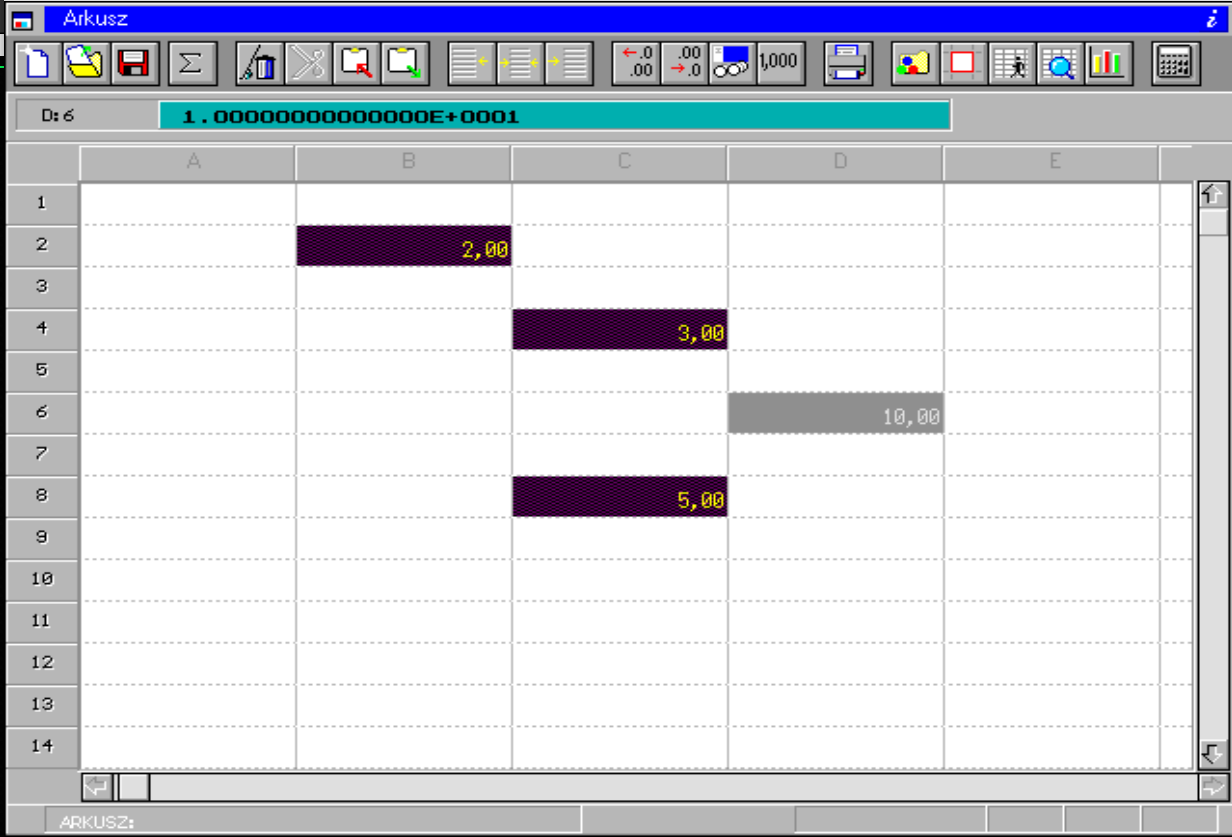
Selecting B2, C4 and C8 at once — three cells in different parts of the sheet — and totaling them in a completely different cell. Today we'd write that as =SUM(B2,C4,C8); in µOS it worked with the mouse, no formula typing required.
4. A settings panel with a screensaver and brightness control
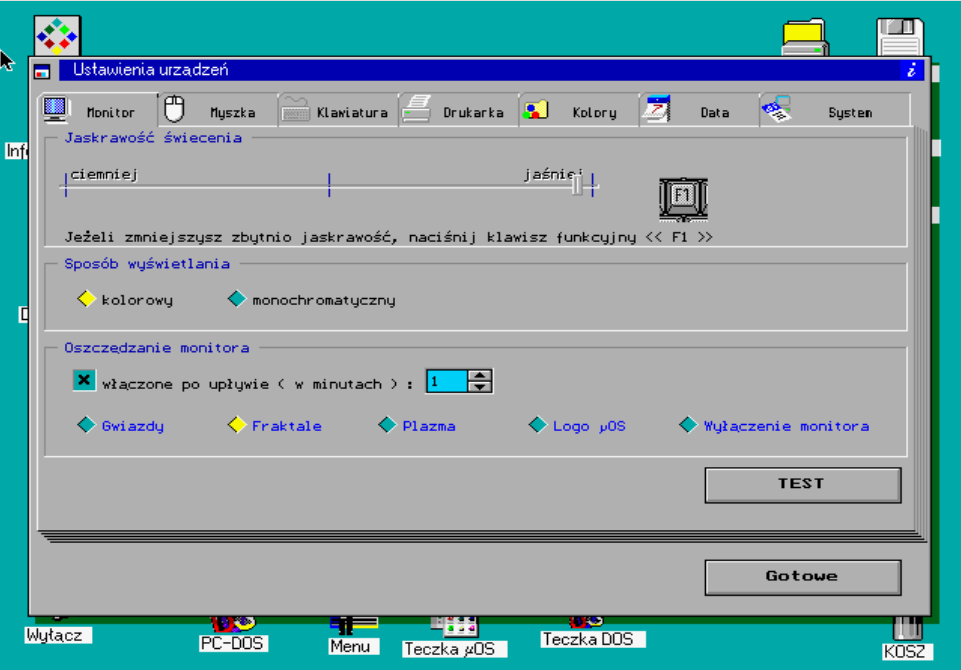
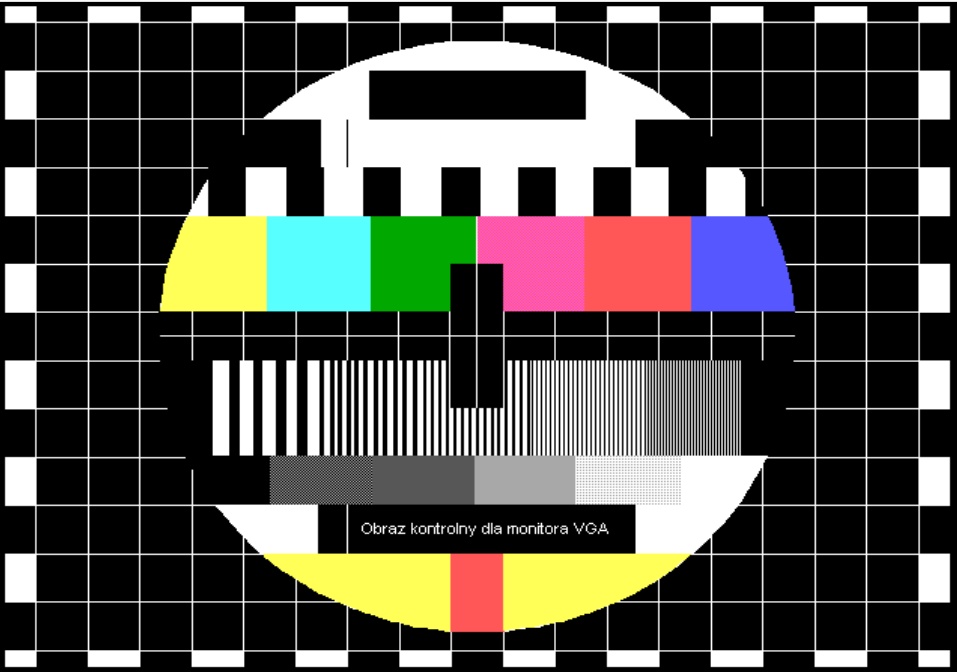
"Device Settings" had tabs for Monitor, Mouse, Keyboard, Printer, Colors, Date, and System — with a brightness slider, a color/monochrome toggle, and a configurable screensaver (Stars, Fractals, Plasma, µOS logo) that kicked in after a set period of inactivity. A "TEST" button brought up a calibration pattern — exactly the kind television used to show before broadcasts began.
Read more — why this is unusual
Screensavers and brightness controls bring Windows 95 (or later) to mind — yet this is a DOS shell from the first half of the 1990s. The system also offered plug&play, automatically detecting connected hardware (mouse, graphics card) without manually editing CONFIG.SYS — something most DOS software of the era didn't even attempt. More on plug&play →
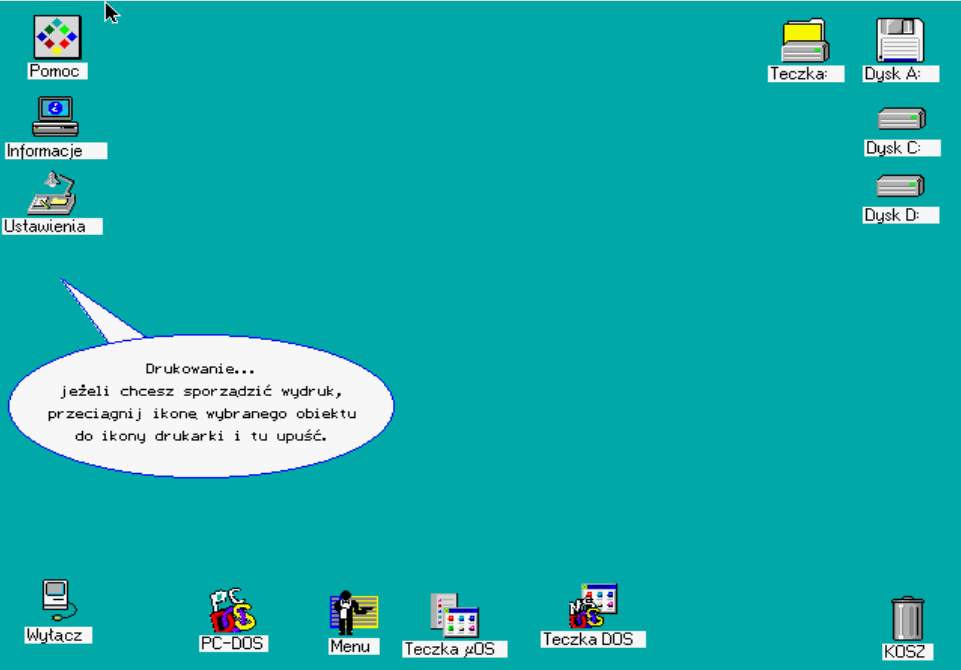
5. Printing by dragging an icon onto the printer
To print something, you just dragged the file's icon onto the printer icon and dropped it there — the system "caught" the object and handed it off for printing. That's the same drag&drop gesture that feels obvious today, and wasn't standard even in expensive graphical systems back in 1992.